
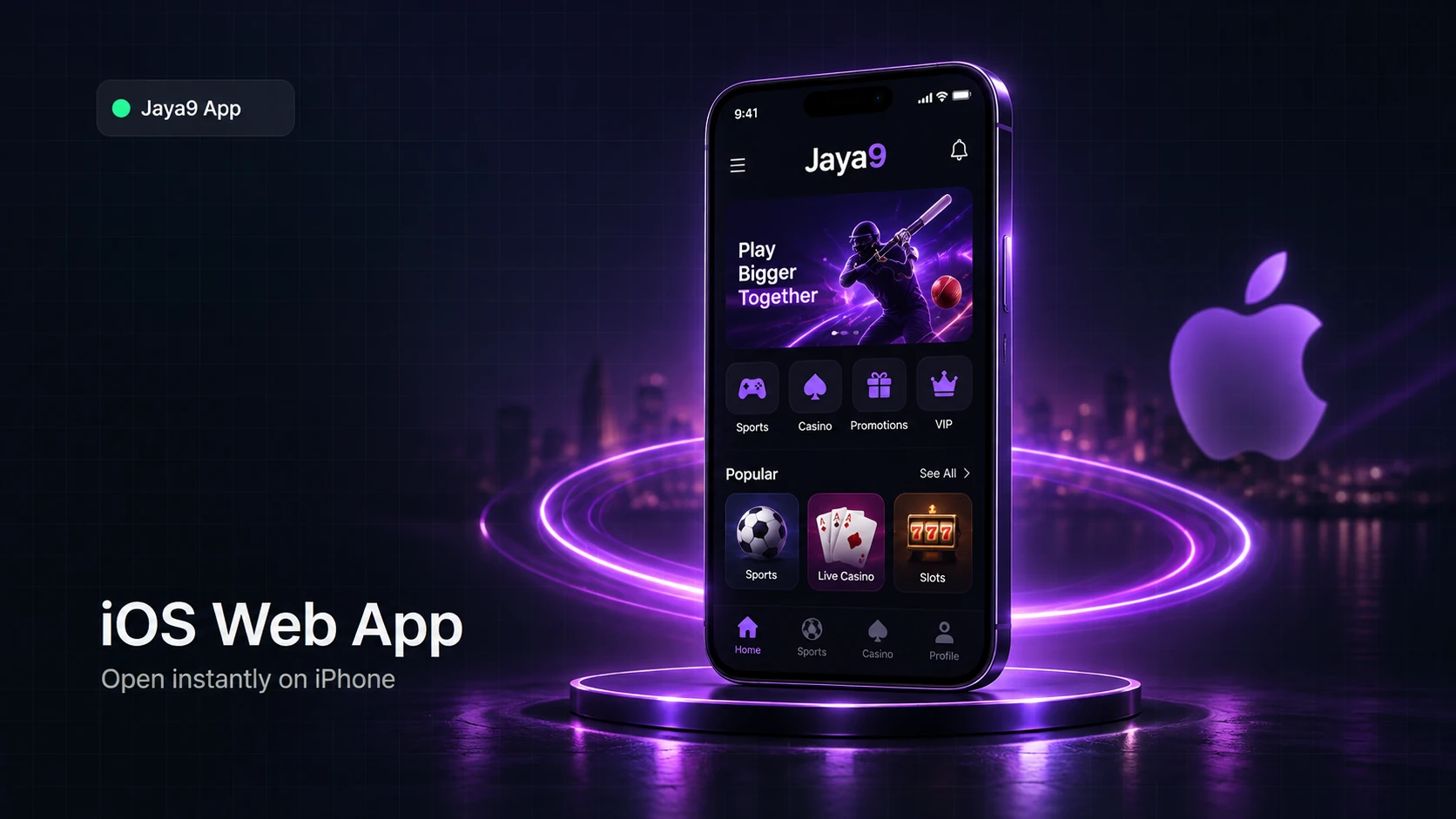
Jaya9 iOS support works differently from Android: there is no Jaya9 app in the Apple App Store, and this page explains exactly why, plus how to set up the Jaya9 Web App instead — the correct, fully supported way to use Jaya9 on iPhone or iPad. If you came here expecting an App Store download link, you won't find one, because it genuinely doesn't exist; what follows is the real, working alternative.
Why There's No Jaya9 App Store Listing
Apple's App Store does not accept real-money betting apps for the Bangladesh market, which is an Apple policy that applies to betting platforms generally, not something specific to Jaya9. Any website claiming to offer a "Jaya9 App Store download" is not an official Jaya9 source. Instead, iOS players use the Jaya9 Web App, a browser-based version of the platform that installs to your Home Screen and opens full-screen, without going through the App Store at all.
What Is the Jaya9 Web App?
The Jaya9 Web App is our mobile site loaded in Safari and saved to your Home Screen using Apple's built-in "Add to Home Screen" feature. Once added, it opens with its own icon, runs full-screen without Safari's address bar, and feels close to a native app in daily use — while technically still running through Safari's engine rather than as a downloaded binary. It uses the exact same account, login and wallet as the website and the Android app.
| Requirement | Detail |
|---|---|
| iOS version | iOS 13 or later |
| Browser | Safari (Add to Home Screen is a Safari feature) |
| Install file | None — no download needed |
| Storage used | Negligible, just a Home Screen shortcut |
How to Add Jaya9 to Your Home Screen
1. Open Safari
Go to the Jaya9 mobile site — this must be done in Safari, not Chrome or another browser.
2. Tap the Share icon
It's the square with an upward arrow, in Safari's toolbar.
3. Choose "Add to Home Screen"
Scroll the share sheet if needed to find this option.
4. Name it and tap Add
Keep the default name "Jaya9" or edit it, then confirm.
5. Open from your Home Screen
Tap the new Jaya9 icon any time — it opens full-screen and logs in with your saved session.
What You Can Do in the Web App
Once added, the Jaya9 Web App supports Face ID or Touch ID sign-in through your saved Safari session, so you're not retyping your password each time, and it carries the same balance, bonuses and history as your account everywhere else. One honest limitation: the iOS Web App cannot send native push notifications the way the Android app can, since it isn't a downloaded application registered with Apple's push system — if match/odds alerts matter most to you, the Android APK supports them and the Web App currently doesn't.
| iOS Web App | Android APK App | |
|---|---|---|
| Install method | Safari → Add to Home Screen | Direct APK download |
| App Store / Play Store listing | None (not offered) | None (not offered) |
| Push-style match alerts | Not available | Supported |
| Biometric login | Face ID / Touch ID via saved session | Fingerprint / face unlock |
| Updates | Automatic, loads from live site | Manual reinstall of latest APK |
Ready to set it up? Open the Jaya9 mobile site in Safari now and add it to your Home Screen, or create an account first at jaya9bdt.site. Android players should instead head to the Android install guide.
18+. Jaya9 is for players aged 18 and over. Enable notifications for match updates, not as pressure to keep playing.
Frequently Asked Questions
Is there a Jaya9 app in the Apple App Store?
No, and there genuinely isn't one — Apple doesn't list real-money betting apps for Bangladesh. The Jaya9 Web App, added to your Home Screen, is the official iOS option.
Is the Jaya9 Web App safe to use?
Yes — it's the same secure Jaya9 platform loaded through Safari, using the same login, encryption and account protections as the main website.
Will I get match or odds notifications on iOS?
Not as native push notifications — that's an Android-app-only feature currently. You can still check live odds and match updates by opening the Web App.
Does the Jaya9 Web App support Face ID?
Yes, once you've logged in once and saved your session, Safari can use Face ID or Touch ID to speed up future sign-ins on supported devices.
Do I need to update the iOS Web App?
No manual update is needed — it loads fresh from the live Jaya9 site every time you open it, so you always see the current version.