
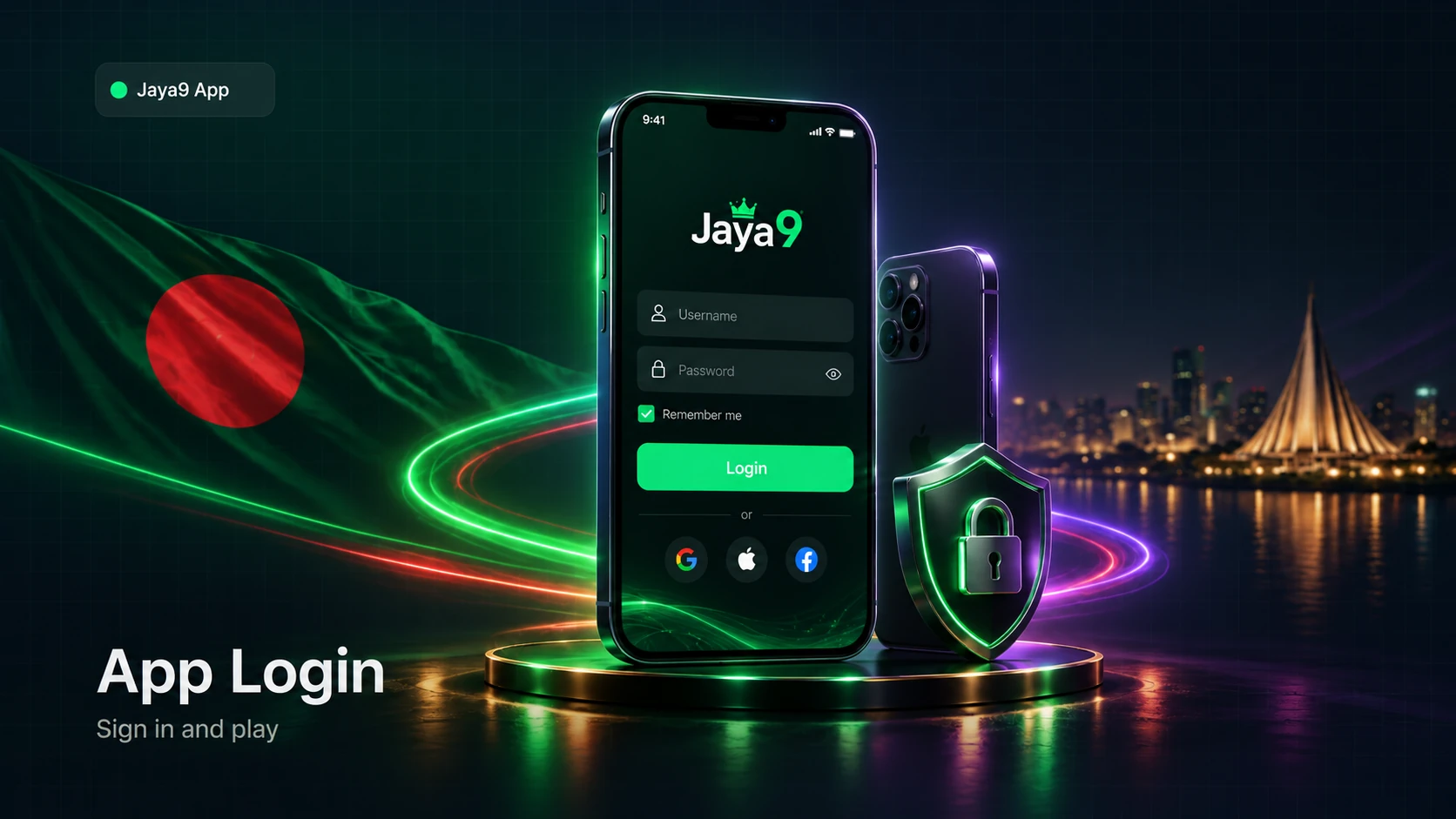
Jaya9 app login on the installed Android app or the iOS Web App takes just a few taps, and once you're in, biometric sign-in and session persistence mean you rarely have to type your password again. This page covers the standard login steps, how to set up fingerprint or Face ID sign-in, how sessions and device switching work, and fixes for the login problems players hit most.
Standard Login Steps
1. Open Jaya9 App
Tap the icon on your Android home screen or your iPhone's Home Screen web app icon.
2. Tap "Login"
It's on the app's opening screen.
3. Enter your username or phone number
Use the same details as your main Jaya9 account.
4. Enter your password
Or use biometric sign-in instead, if you've already set it up.
5. Tap "Sign In"
You'll land straight on your dashboard with your current balance and betting options.
Not installed yet? Start at Jaya9 app download, and if the app itself won't install, the app installation guide covers permissions and storage fixes.
Biometric Login: Fingerprint, Face Unlock & Face ID
On Android, Jaya9 App supports fingerprint and face unlock where your device has the hardware for it — enable it once from the app's security settings, then confirm your password one last time to link it. On iOS, since there's no App Store app, biometric login works through the Web App's saved session together with Face ID or Touch ID at the device level, rather than as a separate in-app toggle. Either way, biometric sign-in replaces typing your password for routine logins, though you'll still confirm with your password after long periods of inactivity or on a new device.
Session Persistence: Staying Signed In
Once logged in, Jaya9 App keeps you signed in between sessions on the same device, so opening the app doesn't mean logging in from scratch every time. This works the same way whether you access your account through the app, the mobile site, or the main platform — it's one Jaya9 account and one wallet no matter which entry point you use.
Switching Devices
Moving to a new phone doesn't require creating a new account. Install the Jaya9 APK on the new Android device (or add the Web App to Home Screen on iOS), log in with your existing username or phone number and password, and your balance and history carry over automatically since they live on Jaya9's servers, not on the old device. For security, logging in on a new device may occasionally ask for extra verification — that's expected, not an error.
Login Troubleshooting
| Issue | What to Do |
|---|---|
| Password rejected despite being correct | Check for autocorrect/autocapitalization, or reset it via the mobile site's forgot-password flow |
| Biometric login not working | Re-enable it in the app's security settings and confirm your password once to re-link it |
| Signed out after updating the app | Normal after a major update — just log in again with your usual details |
| "Session expired" message | Happens after long inactivity for account security; simply log back in |
| Can't log in on a new device | Confirm you're using the current app version, and complete any extra verification step shown |
Prefer Logging In From a Browser?
If you're using a shared device or just don't have the app installed right now, the Jaya9 mobile login page covers the same login using any browser on the Jaya9 mobile site. For account questions beyond login, visit the official Jaya9 site, or get the app itself from Jaya9 app download.
18+. Jaya9 is for players aged 18 and over. Enable notifications for match updates, not as pressure to keep playing.
Frequently Asked Questions
Does the Jaya9 app support fingerprint or Face ID login?
Yes, on Android through fingerprint or face unlock where the device supports it, and on iOS through the Web App's saved session together with Face ID or Touch ID at the device level.
Do I have to log in every time I open the app?
No, Jaya9 App keeps you signed in between sessions on the same device unless you log out manually or a long period of inactivity triggers a fresh sign-in for security.
How do I log in on a new phone after switching devices?
Install the app (or add the Web App on iOS), then log in with your existing username or phone number and password — your account, wallet, and history transfer automatically.
My biometric login stopped working after an update — what do I do?
Re-enable it from the app's security settings and confirm your password once to re-link fingerprint or face unlock.
Is my Jaya9 account the same whether I log in on the app or the mobile site?
Yes. It's one account and one wallet across the app, the mobile site, and the main platform, so you can log in from whichever you have available.